
Calligraphr vs. FontStruct vs. Glyphs: Which font-making tool should you use?
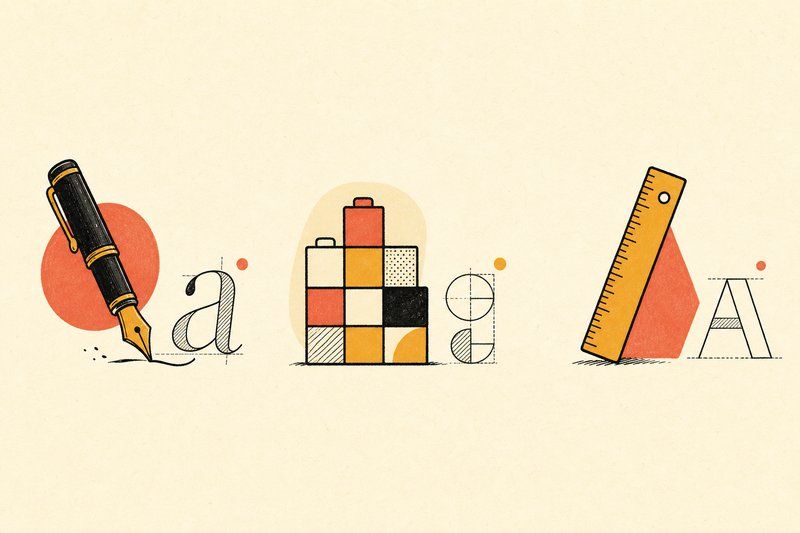
Once you’ve got consistent letterforms on paper, the next decision is which piece of software actually turns them into a usable font file. These three cover almost every beginner-to-intermediate path, and they’re not interchangeable; each is genuinely built for a different starting point.
Calligraphr: handwriting in, font file out
Calligraphr is built for exactly one job: converting handwritten or hand-drawn letters into a working font with no font-editing software required. You print a template, fill in each character by hand, then scan or photograph the page. Calligraphr automatically detects each character and assembles a working .ttf or .otf file. It’s the fastest route from paper to a usable font, especially for a personal handwriting font or a hand-lettered custom style, and it requires no prior software experience at all.
FontStruct: geometric construction in the browser
FontStruct takes a completely different approach: instead of drawing freehand, you build letters from a fixed set of interlocking geometric “bricks,” directly in your browser, for free. It’s a genuinely fun, low-stakes way to experiment with letterform structure, and it suits blocky, geometric or pixel-style alphabets particularly well. It’s a poor fit for flowing scripts or organic hand-lettering, though, since everything is constructed from straight edges and simple curves rather than continuous strokes.
Glyphs (and FontForge): full professional control
Glyphs is a paid, professional font editor used throughout the type design industry, offering complete control over spacing, , multiple weights, and every other detail a finished typeface needs. It has a real learning curve compared to the other two tools here, but it’s the right choice once you want a font that behaves like a genuinely professional release rather than a first pass. FontForge offers broadly similar professional-grade capability as a free, open-source alternative, at the cost of a less refined interface.
Calligraphr for handwriting, FontStruct for geometry, Glyphs for full control.
Which one should you actually start with?
If you’re turning your own handwriting or hand-drawn letters into a font for the first time, Calligraphr is the fastest, lowest-friction starting point. If you want to experiment with geometric or blocky letterforms without committing to anything, FontStruct is free and immediate. If you already have real design experience, or you’ve outgrown what the first two tools can do and want full control over every detail, Glyphs or FontForge is the honest next step.
Whichever you choose, both a well-built free font and a fully professional one benefit from the same groundwork: consistent letterforms drawn before you ever open the software. Our Practice Sheet Generator and hand-lettering guide both help with exactly that step, and once you have a draft font in hand, the Type Tester is a useful way to see how it holds up set alongside established, professionally refined typefaces.
Frequently asked questions
What is the easiest tool for making your own font?
Calligraphr is generally the easiest starting point, since it converts handwritten or drawn letters from a printed template directly into a font file, with no font-editing software knowledge required.
Is FontStruct good for beginners?
Yes, for a specific style. FontStruct is free, browser-based, and easy to pick up, but it builds letters from a fixed set of geometric bricks, so it suits blocky or geometric alphabets far better than flowing or script styles.
Is Glyphs hard to learn?
Glyphs has a real learning curve compared to Calligraphr or FontStruct, since it's built for professional type design with full control over spacing, kerning and multiple weights. It rewards the time investment if you want a genuinely polished font, but it's more than a beginner needs for a first project.
Can I use Calligraphr for a font that isn't based on my handwriting?
Yes. Calligraphr works from any consistent set of drawn characters, whether that's your natural handwriting or a deliberately designed letterform style, as long as you fill in its template consistently.
Is FontForge a good alternative to Glyphs?
Yes. FontForge is a free, open-source font editor with broadly similar professional capability to Glyphs, making it a strong choice for anyone who wants full control without a paid licence, at the cost of a less polished interface.
Which tool should I use if I only want to make one custom font for personal use?
Calligraphr is usually the fastest path to a single usable font, especially for a personal or handwriting-based project, since it skips font-editing software entirely.
Do any of these tools cost money?
FontStruct and FontForge are both free. Calligraphr offers a free tier with paid options for larger character sets and additional features. Glyphs is a paid, professional application, generally aimed at people already working in type design.
Can I move a font between these tools?
Standard font files (.ttf and .otf) exported from Calligraphr or FontStruct can generally be opened and refined further in Glyphs or FontForge, which is a common path: start simple, then move to a professional editor once you want more control.